Lever Application Status: How to Check Where You Stand
Lever has no candidate portal, so there is no status page to log in to. Here is what you can actually check, what "archived" means, and how to follow up without guessing.
If you’ve applied on a jobs.lever.co page and then gone looking for somewhere to check your status, you’ve probably found nothing. That’s not you missing a link. Lever doesn’t give candidates a portal. No account, no “My Applications” page, no status label.
That makes Lever the opposite of Greenhouse, which has MyGreenhouse, and Workday, which has Candidate Home on every employer’s site. This post covers what you can work out about a Lever application, what the employer sees that you don’t, what an “archived” application really is, and how to follow up. Lever’s help center is written for recruiters, so everything below about how Lever works comes from that side of the system.
Can you check your application status on Lever?
No. There’s no candidate login on Lever, so there’s no status to check. The jobs.lever.co/company pages are the employer’s job listings and application forms. You apply as a guest, with no password, and nothing after that gives you a page of your own. Lever’s help center documents the pipeline, the archive, emails and automations for recruiters, and nothing for candidates to sign in to.
That leaves you three real signals:
- Your inbox. Every update you’ll get from a Lever employer is an email (or occasionally a text, since Lever supports candidate texting).
- The posting. If the job is still listed on the company’s Lever page, the role is probably still open. If it’s gone, the role was filled, paused or closed. That tells you about the job, not about you.
- A person. The recruiter can see exactly where you are. Nobody else can tell you.
The emails you’ll get from a Lever employer
Since email is the whole interface, it helps to know which emails are automatic and which come from a person.
| What it means | What to do | |
|---|---|---|
| Application confirmation | Your application arrived. Employers switch this on or off in their job site settings. | Save it. Don’t reply if it’s from a no-reply address. |
| Personal message from a recruiter | A person picked your application. Often a screen or a question. | Reply the same day if you can. |
| Scheduling or availability request | You’re moving to an interview stage. | Book promptly; slots go fast. |
| “We’ve decided not to move forward” | You were archived and the employer chose to email you. | Mark it closed. Other roles there are still fair game. |
| Nothing at all | Still open, or archived with no email. | Follow up once after about two weeks. |
Lever’s docs say automated emails go out from no-reply@hire.lever.co or mail@hire.lever.co, and that automated emails can’t be sent from a specific person. So if you’re searching your inbox, search for hire.lever.co as well as the company name, and check your spam folder. Recruiters can also write from a Lever Mail sender that hides their personal address; replying to one of those is fine, because a person wrote it.
What the employer sees that you don’t
On the recruiter’s side, every application is an “opportunity” that moves through stages the employer sets up, grouped into lead, applicant and interview sections. Lever calls the whole thing the pipeline. None of it is visible to you: not the stage you’re in, not the interviewer feedback, not the notes, and not the reason you were archived.
That means a long silence can hide a lot of movement, or none. Your resume might be sitting in the first applicant stage, unopened, or you might be on a shortlist waiting for a hiring manager. From the outside, those look the same.
What “archived” means on Lever
On Lever, archived means the opportunity is closed and no longer moving through the pipeline. When recruiters archive someone, they pick an archive reason. The employer configures those reasons itself, so the list varies, but there’s one catch worth knowing: Lever’s “Hired” archive reason can’t be deactivated, because hired candidates are archived too. Archived is “done,” not automatically “rejected.”
In practice you’ll never see the word, because you can’t see the pipeline. What matters is how the decision reaches you:
- The recruiter chooses whether to email you. Lever’s archive flow includes an option to email the candidate, with a template or a written message. It’s an option, so some employers skip it.
- Bulk archiving can skip you on purpose. When a recruiter archives many people at once, Lever can suppress the email for candidates who still have active opportunities elsewhere at the company. If you applied to two roles there, you might not hear about the first until the second is decided.
- Automations can archive you. Lever documents automation workflows that archive candidates who meet set conditions, such as an answer to a required question. A rejection that lands very soon after you apply is often one of those, not a person reading your resume. I compared how each ATS handles this in Greenhouse vs Lever vs Ashby vs Workday.
How to follow up on a Lever application
With no portal, following up is the only way to learn anything before the employer decides to tell you. Some practical rules:
- Wait about two weeks after applying, or a week after an interview.
- Don’t reply to a no-reply email. Reply to a message a recruiter wrote, or find the recruiter or hiring manager on LinkedIn.
- Identify the posting. Lever posting URLs end in a long ID (
jobs.lever.co/company/<id>). Include the job title and that link; companies often run several postings with the same title. - Keep it short: you applied on a date, one line on why you fit, and that you’re happy to talk.
- Follow up once, maybe twice. Then move on and let a reply surprise you.
How to withdraw a Lever application
There’s no withdraw button, because there’s no candidate account. Email the recruiter or the hiring contact, name the role, and ask them to withdraw you; they do it on their side. If you want your data removed rather than just the application closed, ask the company: Lever supports candidate data requests through a Lever-hosted page you reach by a link, but the request goes to the employer’s Lever account and they handle it.
Why your own tracker matters most on Lever
On Greenhouse you can at least sign in to MyGreenhouse; on Workday you have Candidate Home. On Lever, the only record of where you stand is the one you keep. If you don’t write down that you applied to a company’s backend role on the 3rd, nothing will remind you, and the confirmation email may be all the evidence you ever get.
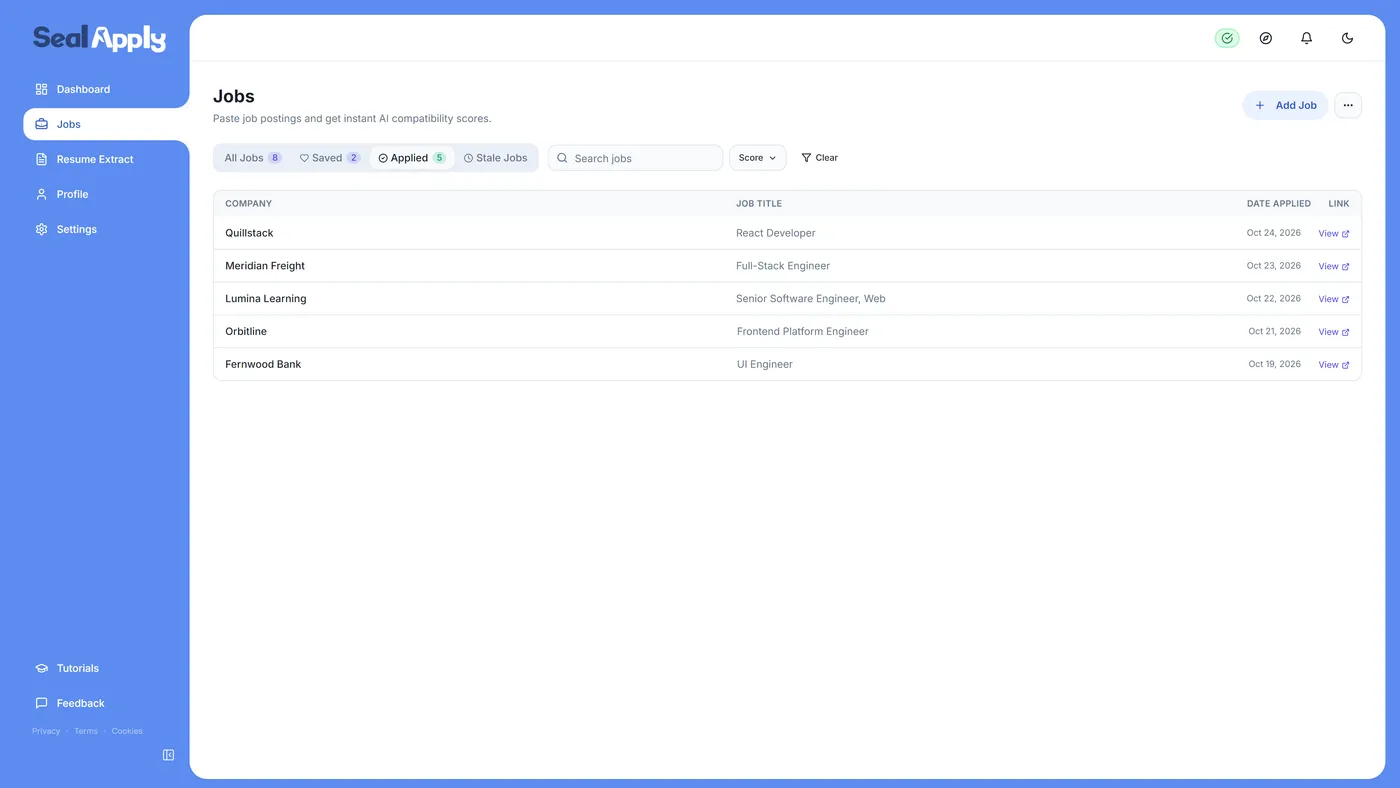
Log every Lever application on the day you send it: company, role, posting link, date, and the resume version you used. Update it when an email arrives. You can use a free tracker spreadsheet or a job application tracker app. SealApply’s tracker records each job’s stage from Applied through Offer to Accepted, with the exact resume and cover letter you sent, which is the information Lever will never show you again.
Applying on other systems too? The same questions for the others are answered in Greenhouse application status, Ashby application status and Workday application status.
Frequently asked questions
Can I check my application status on Lever?
No, not on Lever itself. Lever doesn't offer candidates a login or status page, so the only updates you get are the emails the employer chooses to send, and anything else has to come from the recruiter.
Does Lever have a candidate portal?
No. Lever's help center covers recruiter tools such as the pipeline, the archive and candidate emails, but nothing for candidates to log in to. The jobs.lever.co pages are job postings and application forms, not accounts.
What does "archived" mean on Lever?
Archived means the opportunity is closed and no longer moving through the employer's pipeline. Most of the time that means not selected, but Lever also archives hired candidates under a "Hired" reason, so the word alone isn't the outcome.
Will Lever email me if I'm rejected?
Only if the employer chooses to. When a recruiter archives a candidate, Lever lets them decide whether to send an email, and bulk archiving can skip the email for people still active in other roles at the company.
Should I reply to the Lever confirmation email?
Not if it came from a no-reply address. Lever's automated emails can come from no-reply@hire.lever.co, so reply to a message a recruiter actually wrote you, or contact them on LinkedIn.
How do I withdraw a Lever application?
Email the recruiter or hiring contact and ask them to withdraw you. Lever has no candidate-side withdraw button, so the employer does it in their system.
Can I edit a Lever application after submitting?
No, there's no candidate account to edit it from. If something important was wrong, email the recruiter with the corrected file rather than applying twice to the same posting.
See SealApply in 60 seconds
More from the blog
Ashby Application Status: How to Check Where You Stand
Ashby gives candidates no login and no status page. Your inbox is the status page, so here is how to read the emails, what happens behind them, and when to follow up.
Greenhouse Application Status: How to Check It
Greenhouse won't tell you where you stand, but the employer can, through MyGreenhouse and email. Here is what you can actually see, what stays hidden, and what to do next.
How to Edit, Withdraw or Resubmit a Workday Application
Once you click Submit, Workday locks your application. Here is what you can still change, how withdrawing works in Candidate Home, and when you can apply again.
iCIMS Application Status Meanings: Under Review and More
iCIMS shows you whatever label the employer picked, and "Under Review" is the fallback when they picked nothing. Here is how to read the portal, and what to do at each stage.
Try it on your next application
SealApply tailors your resume to the job, checks it against the ATS and fills in the form for you to review. Free, and your resume stays in your browser.
See what SealApply does