How to Tailor Your Resume to a Job Description, Step by Step
A repeatable nine-step method for matching your resume to a posting without lying, padding or spending an hour on every application.
I’m a software engineering student with projects in a few different areas. When I was applying to 10 to 20 postings a day, I kept hitting the same thing: a job would name a skill I had, but it wasn’t on the resume I’d just uploaded. So I’d open the doc, edit it, re-save the PDF and re-upload. Over and over.
Tailoring every single time was the most tiring part of the whole search. It’s also the part that makes the biggest difference, which is annoying. So here’s the method I settled on, written so you can repeat it quickly instead of starting from scratch each time, whether you’re matching one posting or trying to optimize your resume for a new role entirely.
Step 1: Pull out the must-haves and the nice-to-haves
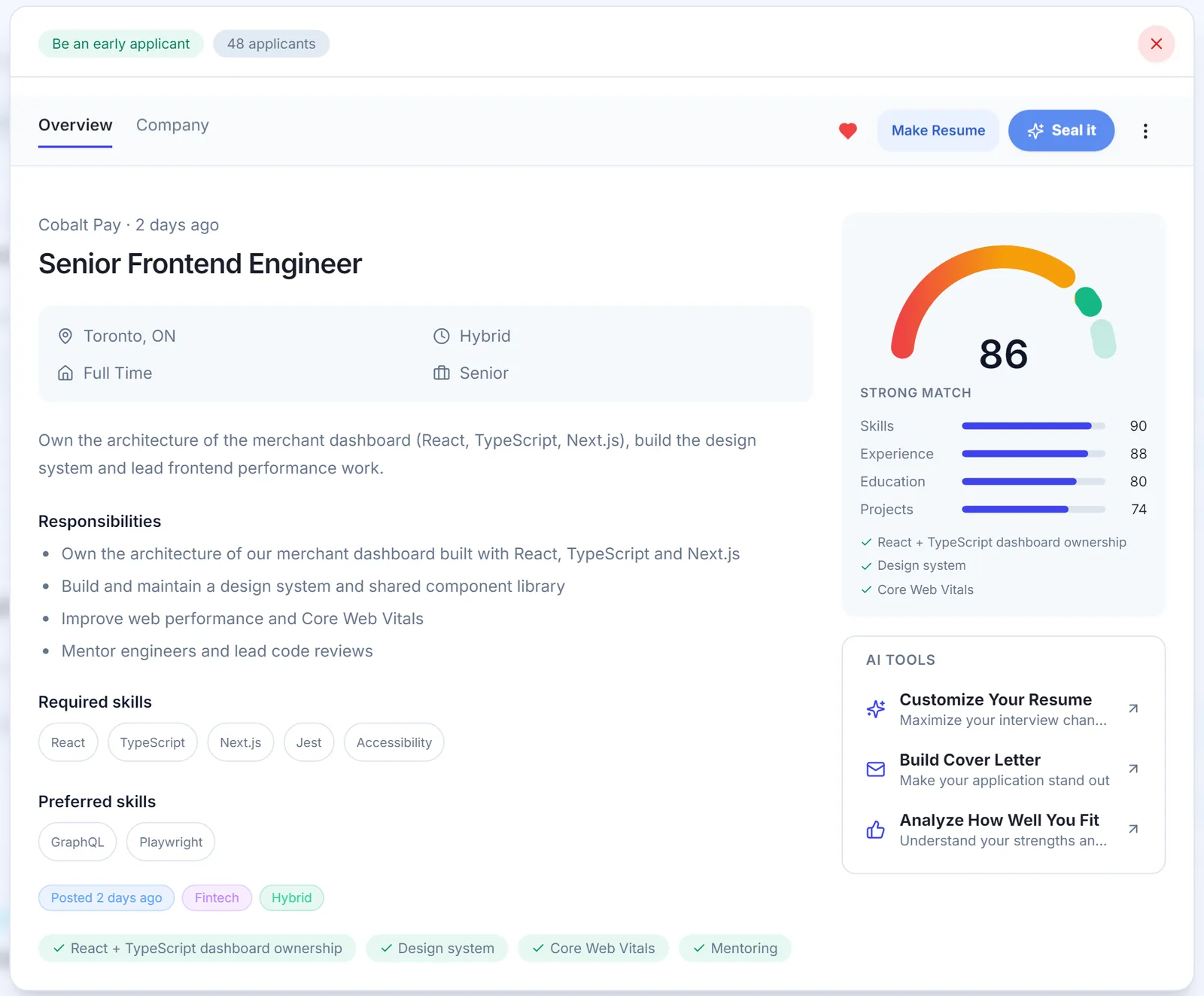
Read the whole posting once without doing anything. Then read it again and sort what it asks for into two lists.
- Must-haves: usually under “Requirements”, “Qualifications” or “You have”. Look for words like “required”, “must”, or a number of years.
- Nice-to-haves: “Bonus”, “asset”, “preferred”, “familiarity with”.
Also note anything that shows up more than once. If “stakeholder communication” appears in the summary, the responsibilities and the requirements, it matters to whoever wrote the posting.
Write the must-haves down, five to eight of them at most. Everything that follows is about making those easy to spot on your resume.
Step 2: Do the 10-second test
A point I kept seeing from recruiters in job-search forums: the first pass on a resume is a skim of the top third, for something like seven to ten seconds. That’s not a rule written anywhere, but it matches what you’d expect when someone has a big pile to get through.
So look at only the top third of your resume for 10 seconds and ask: can a stranger tell
- what you do now (or what you’re studying),
- roughly what level you are, and
- your main tools or skills for this job?
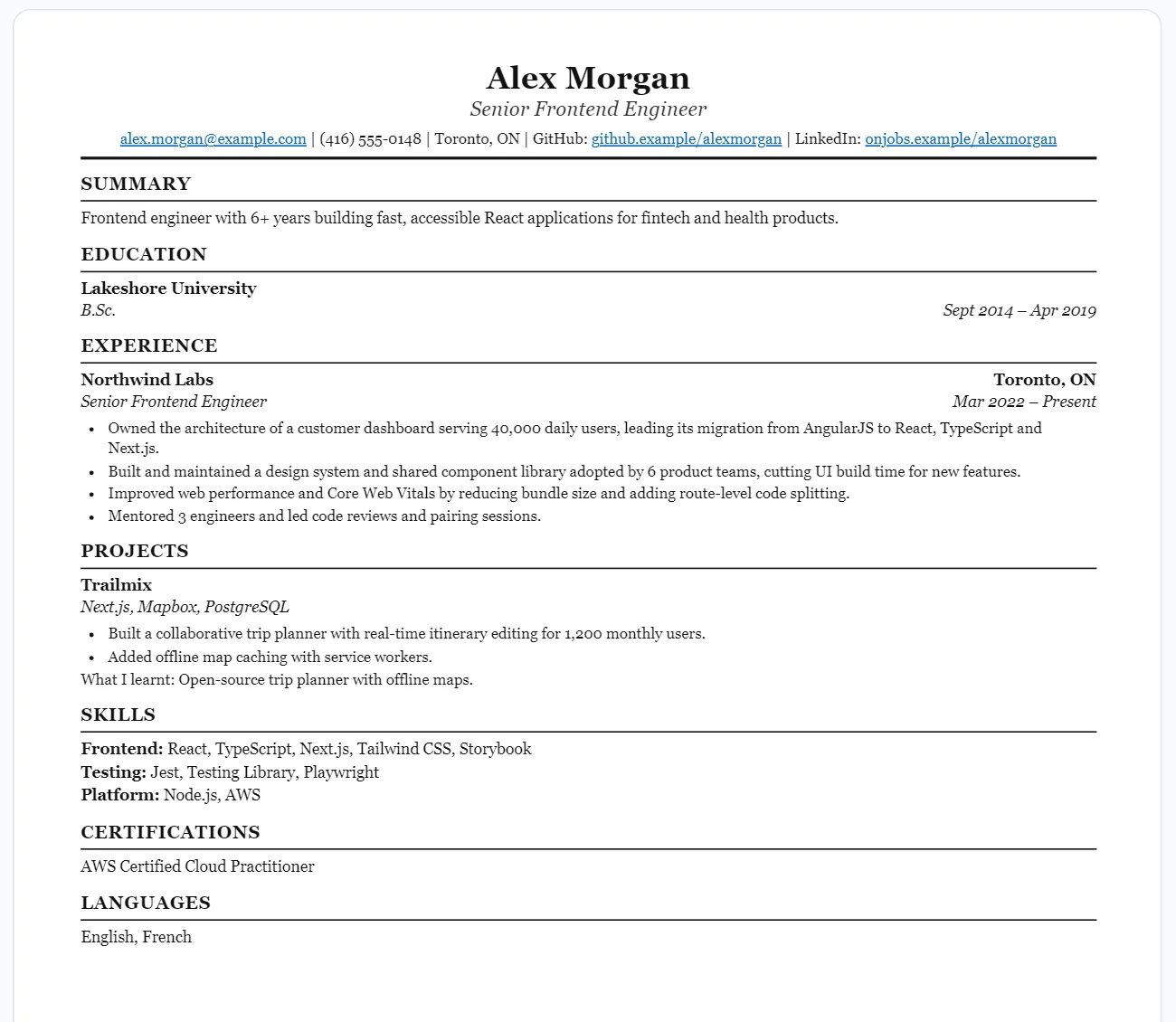
If the answer depends on reading your second page, move things up. Your name, a short summary (Step 7) and your most relevant role or project should all be visible without scrolling.
Step 3: Reorder and select for this job
This is where most of the time savings come from. You’re not writing a new resume. You’re picking from your master version.
- Put the most relevant experience or project first within each section.
- Drop projects that don’t connect to any must-have.
- If a project is more relevant than your job, it’s fine to put a “Projects” section above “Experience”. This is common for students.
- Keep three to five bullets for your most relevant role, and fewer for the rest.
Example: if you’ve built a web app, a data pipeline and a mobile game, and the posting is for a data engineering internship, the pipeline goes first, the web app might stay if it had a database piece, and the game probably goes.
Step 4: Rewrite your top bullets as results
Most resume bullets describe responsibilities: what you were supposed to do. Recruiters care about what actually happened because you did it.
The pattern I use is the one often called the XYZ formula: accomplished X, measured by Y, by doing Z. You don’t have to follow the exact order, but each bullet should have all three pieces.
Weak (illustrative): “Responsible for testing the checkout page.”
Strong: “Cut checkout bugs reported after release from about 10 per sprint to 2 by writing 40 end-to-end tests in Playwright.”
Weak (illustrative): “Worked on the backend API.”
Strong: “Reduced average API response time from 800ms to 250ms by adding Redis caching to the three busiest endpoints.”
Adding even one number changes how a bullet reads. Only use numbers you can explain, though. A rough estimate you can defend (“about 10 per sprint”) is better than a precise number you made up.
You don’t need to rewrite every bullet for every job. Rewrite the top two or three under your most relevant entry, and save the good versions back into your master resume so you can reuse them.
Step 5: Measure things that aren’t revenue
The usual objection: “My job doesn’t have numbers. I’m not in sales.” Almost every job has numbers. They just aren’t dollars. Look for:
- Scale: how many people, beds, accounts, or systems
- Volume: how many orders, calls, tickets, or files
- Frequency: daily, per shift, per week
- Reach: how many people saw, used or were affected by it
- Before/after: time, errors, or backlog before vs after your change
Some illustrative examples outside of tech:
Nurse, weak: “Provided patient care on a medical unit.”
Nurse, strong: “Cared for 5 to 6 patients per shift on a 32-bed medical unit, and led the switch to a bedside handover checklist the unit still uses.”
Office admin, weak: “Handled scheduling and filing.”
Office admin, strong: “Managed calendars for 4 managers and cleared a 3-month filing backlog in 6 weeks by setting up a shared folder naming system.”
Warehouse, weak: “Picked and packed orders.”
Warehouse, strong: “Picked and packed around 150 orders per shift with a 99%+ accuracy rate, and trained 3 new hires on the scanner system.”
Policy analyst, weak: “Researched housing policy.”
Policy analyst, strong: “Reviewed 20+ municipal housing bylaws and wrote a 12-page briefing used by the committee to draft two motions.”
None of those mention money, and all of them give the reader a sense of size and impact.
Step 6: Use resume keywords from the job description, honestly
Recruiters often search their ATS by keyword, so the exact wording matters. If the posting says “PostgreSQL” and you wrote “SQL databases,” use “PostgreSQL”, as long as that’s what you actually used. I go into this more in does an ATS really reject your resume.
Posting line (illustrative): “Experience building REST APIs with Node.js and TypeScript.”
Tailored bullet: “Built a REST API in Node.js and TypeScript serving 12 endpoints for a course-scheduling app used by around 200 students.”
Put the skill in two places when you can: the skills section, so it gets matched, and a bullet, so a human believes it.
And the ethics part, which I’d put above everything else in this post: never add a skill you can’t talk about in an interview. If someone asks “tell me about a time you used Kubernetes” and you have nothing, you’ve lost more than the keyword ever got you. Tailoring means showing what you have in the posting’s language. It doesn’t mean borrowing experience.
Step 7: Write a short summary, not an objective
Delete the objective statement. “Seeking a challenging position where I can grow my skills” tells the reader what you want, not what you bring, and it’s the same on every resume.
Replace it with a two to three sentence summary that names the role you’re applying for.
Objective (illustrative): “Motivated student seeking an opportunity to apply my skills in a dynamic environment.”
Summary (illustrative): “Third-year software engineering student applying for backend developer internships. Built and deployed three Node.js and PostgreSQL projects, including a scheduling API used by around 200 students. Comfortable with Docker and GitHub Actions.”
That summary passes the 10-second test on its own. Swap the role name and the tools for each application; it takes a minute.
Step 8: Cut the filler
Things that take up space and don’t help:
- Skill bars and ratings. “JavaScript: 4/5 stars” means nothing to a reader and often breaks parsing. Just list the skill.
- Soft-skill lists. “Hardworking, team player, detail-oriented” with no evidence. Show these in bullets instead.
- Old or unrelated roles in full detail. Keep the line, cut the bullets.
- “References available upon request.” It’s assumed.
- Stretching to two pages. If you’re a student or early in your career, one page is almost always enough. A tight page beats a padded two.
Keep the layout plain while you’re at it: single column, normal headings, and each job as Role | Company | Dates.
Step 9: Final check and file name
Before you upload:
- Read it once out loud, or at least slowly. Typos hide in the bullets you rewrote last.
- Check that the company name in your summary or cover letter is the right company.
- Copy-paste the PDF text into a plain text editor to make sure it reads cleanly.
- Name it
Firstname_Lastname_Resume.pdf.
If the application has a cover letter field, use it. A short, specific cover letter is one of the few places you can stand out from people with similar resumes, and plenty of applicants skip it.
The tailoring checklist
Copy this somewhere and run through it for each application.
- Listed the posting’s 5 to 8 must-haves, separate from nice-to-haves.
- Top third shows current role, level and main tools for this job in 10 seconds.
- Most relevant experience or project is first; unrelated ones are cut or shortened.
- Top 2 to 3 bullets follow accomplished X, measured by Y, by doing Z.
- Each top bullet has a number: scale, volume, frequency, reach or before/after.
- Skills use the posting’s exact names, and only skills I can discuss in an interview.
- Each must-have skill appears in the skills section and in at least one bullet.
- Summary is 2 to 3 sentences and names the target role. No objective statement.
- No skill bars, ratings, soft-skill lists or padding. One page unless I have a real reason.
- Single column,
Role | Company | Dates, text copies cleanly. - Company name is correct everywhere. File is
Firstname_Lastname_Resume.pdf.
FAQ
What is the 7-second rule for a resume?
The 7-second rule is the idea that a recruiter decides whether to keep reading after a quick skim of about seven seconds. It’s a rule of thumb, not a measured law, but it’s why the 10-second test in Step 2 matters: your current role, level and main tools for this job should be obvious in the top third of the page.
How do I make an AI-optimized resume?
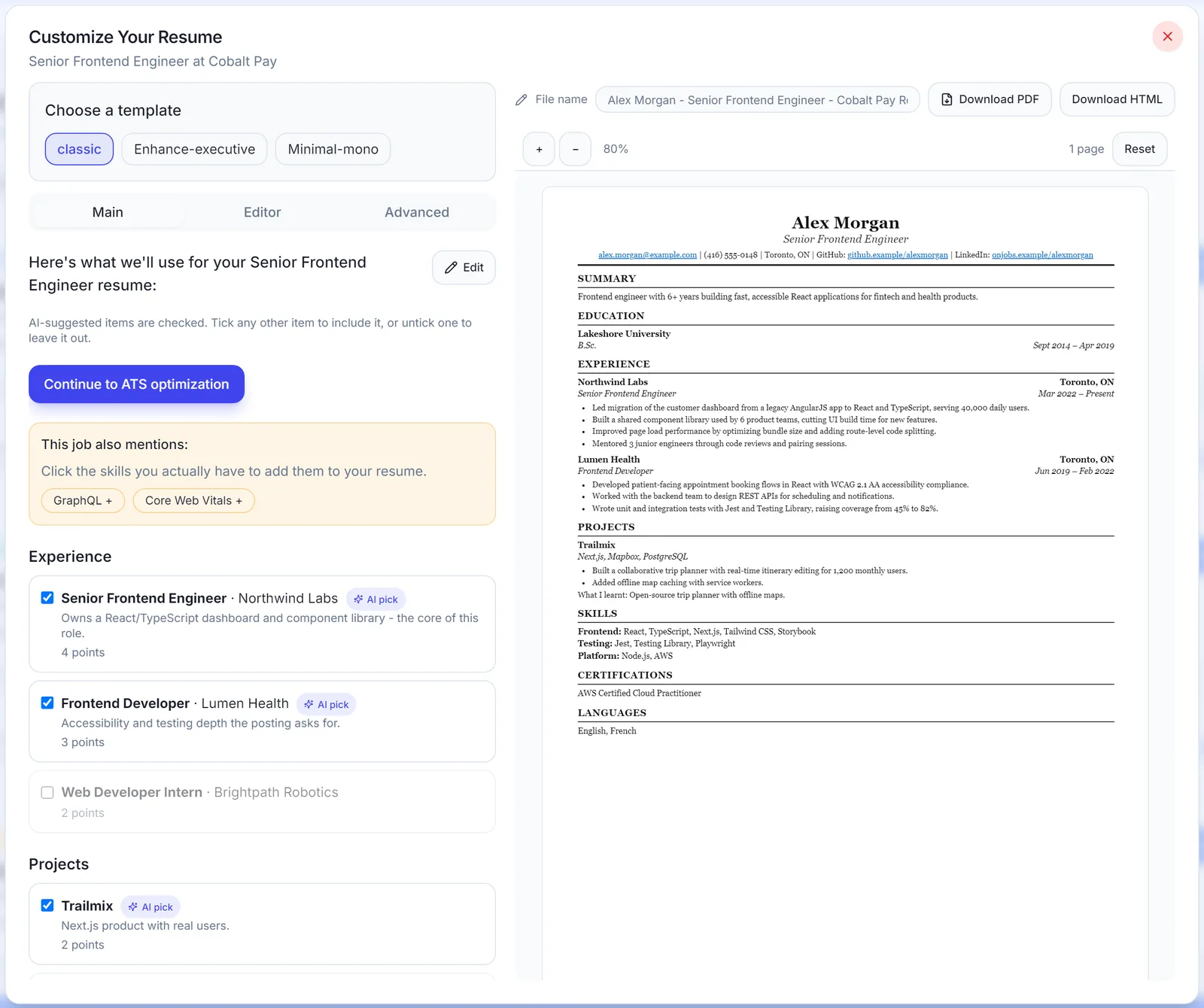
Let AI draft and suggest, then choose and verify every line yourself. AI is good at spotting which resume keywords from the job description you’re missing and at tightening bullets. It’s bad at knowing what you actually did, so never let it add skills or results you don’t have. When I built SealApply to optimize resumes with AI, that’s the line I drew: it shows missing skills, you pick which ones to add, and your contact info is masked before any AI call.
How long should tailoring take?
Once you have a master resume, tailoring one application should take about 15 to 20 minutes, and closer to five for a posting similar to one you’ve already done. Building that master version the first time takes an hour or so, because you’re collecting every role, project and bullet you might use. If each job takes you an hour after that, you’re probably rewriting instead of selecting.
Once the resume’s ready, the form itself is the next time sink. I wrote about the difference between autofill and auto-apply and why I went with one and not the other. And if you want the backstory, it’s in why I built SealApply.
See SealApply in 60 seconds
More from the blog
Autofill vs auto-apply: how to autofill job applications without the risk
One fills the form and lets you submit. The other submits for you. That difference matters more than it sounds.
Does ATS Reject Resumes? How ATS and AI Resume Screening Actually Work
An applicant tracking system is mostly a searchable database, not a robot that bins resumes. Here is what really filters you out, what breaks parsing, and how to test your own file.
Why I built SealApply: applying to 10–20 jobs a day as a student
I was tailoring resumes, re-uploading PDFs and retyping the same forms every day. So I built a tool for myself, and then kept going.
Workday Application Status Explained: What Each Label Means
Workday statuses are set by each employer, so the same word can mean different things at different companies. Here is how to read them, and what to do at each one.
Try it on your next application
SealApply tailors your resume to the job, checks it against the ATS and fills in the form for you to review. Free, and your resume stays in your browser.
See what SealApply does